
If you’ve spent any time learning about SEO, you’ve heard the phrase Content is King.
That’s true—but it’s not the entire story.
Because the King still needs a kingdom, and that kingdom is built on structure.
Without heading structure, your content is like a castle with no foundation—it might look fine on the surface, but underneath, it’s confusing.
And if there’s one thing you don’t want to do, its confuse Google. Remember Google is in the business of offering up the best answer to someones search. If your content is confusing… Google will ignore you.
Why Heading Structure Matters
Clarity
If your blog or page doesn’t use proper headings, Google doesn’t fully understand what your content is about. That means it can’t confidently recommend your content as the best answer to a searcher’s question.
Organization
Headings tell Google how your information is organized, how your points connect, and what topics are most important.
Scanability
They make your content significantly easier to scan and digest. Which is also very important to a company in the business of offering the best answer to a search quary. What good is a blog if the only entity that can find specific information is an algorithm.
What Headings Actually Do
Let’s break down what headings actually do andhow they should be structured.
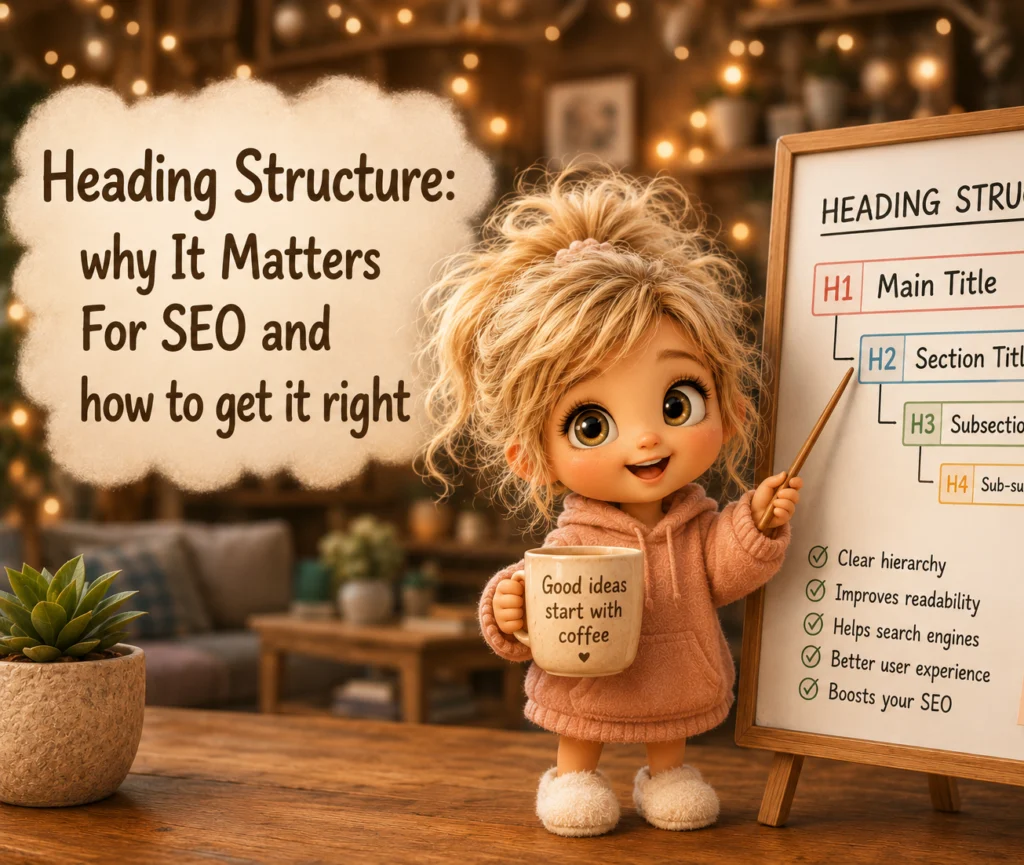
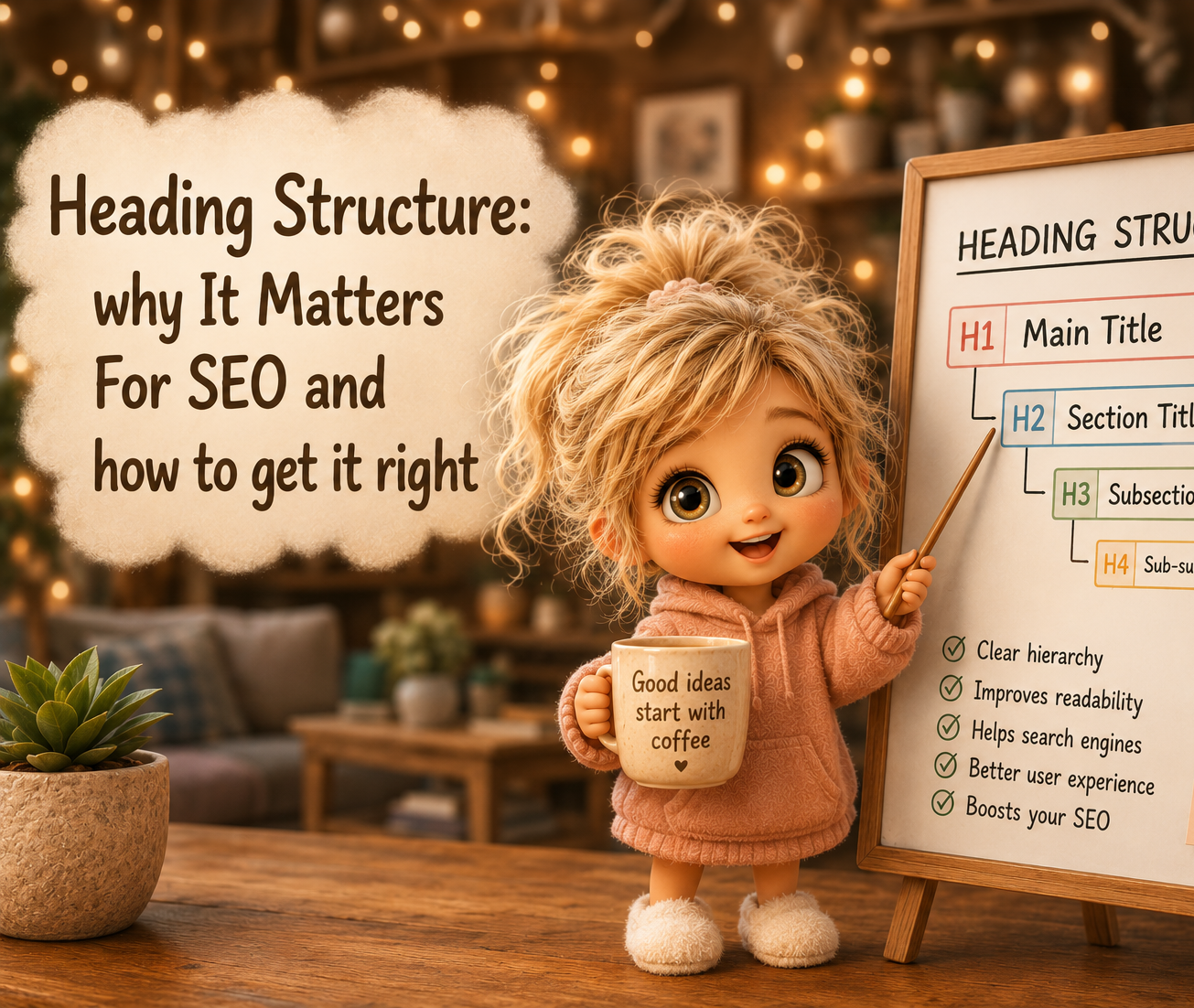
H1 – The Main Idea
Every page should have exactly one H1 tag. I can’t emphasize this enough.
This is your main topic—your declaration of what the entire page is about. The heading on your report. The title of your Book.
Your H1 should:
- Contain your primary keyword
- Clearly communicate your topic
- Spark curiosity or create value for the reader
If Google can’t tell what your page is about from your H1, you’re already at a disadvantage.
H2 – Your Core Topics
H2s are your section headers. They divide your content into major themes or questions.
If your blog post is a story, H2s are your chapters. They tell readers what each part of the story covers and help them jump straight to what’s relevant for them.
Each H2 should support your H1. That means it should align with the main topic and add a layer of understanding or context.
H3 – Your Subtopics
These live underneath H2s.
Each H3 explains or supports the point made in the H2 above it.
Think of H3s as bullet points with personality—they add detail, examples, or clarifications.
H4, H5, H6 – The Rare Players
You can use these if your topic is deeply layered and truly needs more hierarchy. However, for most blog content, H1–H3 is plenty.
Overcomplicating your headings can actually hurt readability, so keep it simple unless your topic absolutely demands more depth.
I snuck an H4 under the H3: “H1- The Main Idea” . Go take a peek, its the “your H1 Should:” right before a bullet list within the H3. To be honest, I dont remember the last time I used an H4… but at least you have an example of it
How Google Reads Headings
Here’s what most people don’t realize: Google can’t “see” your page like a human does. It scans it.
Search crawlers read your H1 first to decide what your page is about. Then they move through your H2s and H3s to understand the structure. They use those headings to contextualize your page content.
The also scan the text under each heading looking for specific words (keywords & halo words) to verify that you are talking about what you claim to be talking about.
When done well, headings help Google confirm that your post isn’t just repeating ideas—it’s building them logically.
For example:
- H1 tells Google your main question or theme.
- H2s show supporting answers or angles of the same topic.
- H3s add specific examples or details.
This logical flow tells Google, “This content is well-organized” Google also needs to know that your content is trustworthy and valuble.
We will get into how google learns to trust you and how it determines your content is valuble in another blog. Be sure to sign up for my newletter so you dont miss new content on SEO.
And remember: trust is everything to Google.
How Headings Help With User Experience
Let’s be real—most people don’t read online, they scan.
They look for bold titles, short paragraphs, and clear breakpoints.
Headings are signposts that guide them through your content without overwhelming them. When your structure makes sense, people stay longer, scroll deeper, and engage more.
All that user behavior sends positive signals back to Google that your content deserves higher ranking.
So improving your headings isn’t just about “SEO score”—it’s about human experience. And human experience is exactly what Google is optimizing for.
Common Heading Mistakes (and How to Fix Them)
Let’s clean up some bad habits that hurt your SEO without you realizing it.
1. Multiple H1s
You only get one!
If you use multiple H1s, Google might struggle to understand your focus. Imagine handing in a paper with 3 titles… its like you almost finished the assignment, and then gave up before making that final decision on what title to use
2. Missing Keywords
Include your target keywords—naturally—in your headings. Don’t force them in, we call that “stuffing”, make sure they belong.
3. Poor Hierarchy
Never jump from H1 to H4, or from H2 straight to H5. Always move down one level at a time. It’s a hierarchy, not a free-for-all.
4. Headings That Don’t Match Content
Make sure your headings accurately reflect what’s underneath them. Misleading or vague headings frustrate readers and confuse Google.
5. Using Headings for Style, Not Structure
Please… please don’t do this. I see this more often than not. Even from “professional” web developers.
Do NOT use headings to change the size of your font when building a webpage. The number of times I see this, I could cry.
Change your font size. Do not label text as a heading just because you want it bigger.
These are coded tags (h1-h6), and thats why google recognizes it.
“Hours of Opperation” or “Address” or “Lets Get In Touch” should not be headings. Yes, these are important and we want to emphasize them to our website visitors… but not to Google.
How to Check Your Heading Structure
So, how do you know if your page is structured correctly?
Try using the Details Extension in your browser (remember this one from the last blog?). It lets you see all your heading tags at a glance.
You should see exactly one H1, followed by well-organized H2s and supporting H3s.
When you open that view, it should look like an outline of your content—and if your outline doesn’t make sense, neither will your SEO.
How to Write Better Headings (in Practice)
Here’s a little cheat sheet to keep you consistent:
- Start with your keyword in your H1.
- Use your H2s to answer common sub-questions.
- Add H3s under H2s to break down details or examples.
- Keep heading phrases concise and clear.
- Avoid too many “fluffy” terms—make each heading purposeful.
- And most importantly, use headings to tell a story, not just to divide space.
When all your headings flow naturally from one idea to the next, your content not only reads better—it ranks better.
Your goal is to make your blog easy to understand—for both humans and algorithms. When readers can skim your post, get value quickly, and easily navigate your ideas, every metric improves. Time on page, bounce rate, dwell time—they all get better.
So before you worry about backlinks, cluster pages, or advanced SEO tactics, start here.
Fix your structure.
Because remember: Google rewards clarity.
And clarity always begins with headings.